


Clevertouch Plus Lux: large format touch monitors for the educational environment
Available in versions of 55, 65, 75 y 84 inches, This line of interactive displays incorporates the Android OPS module and the Lux user interface that provides an intuitive experience., thanks to its touch controls, and allows teachers and students to make presentations and interact with information easily.
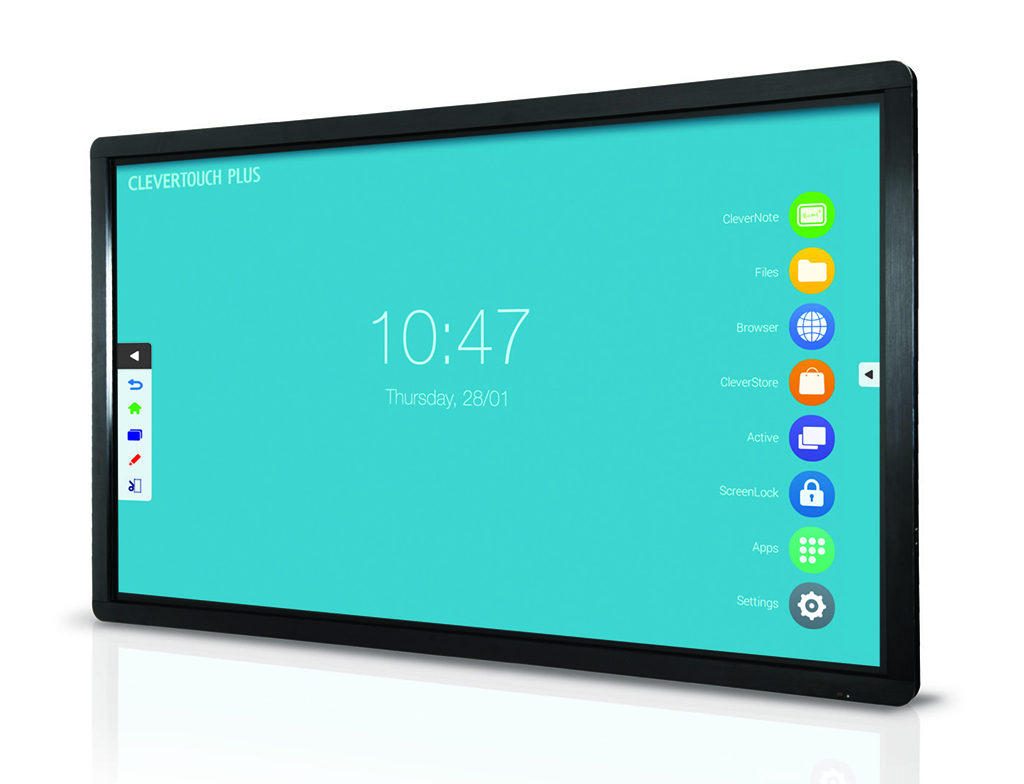
Charmex has brought Led panels to the Spanish market Clevertouch Plus Lux featuring the swappable Android OPS module and Lux UI, the most advanced for large format interactive touch screens. Some equipment intended for the educational environment that is available in 55, 65, 75 y 84 inches.
The removable Android OPS module has been developed by the Clevertouch engineering team and incorporates important improvements compared to the previous Plus series, in order to be able to work with great reliability and able to withstand intensive use. Besides, being removable, allows, in the future, can be exchanged for more powerful versions.
 “What users demand is that the monitor be increasingly autonomous, solving more situations without the need to use an external PC and Clevertouch has made a great leap forward in this regard. This way, and just like we would do with the help of a PC, With Clevertouch Plus Lux it is possible to directly select images, videos, audio and Office files for use in presentations”, explains Daniel Galindo, responsible for the Clevertouch product line at Charmex.
Clevertouch Plus incorporates the Lux user interface that offers an intuitive experience thanks to its touch controls, familiar to any smartphone or tablet user, and allows teachers and students to make presentations and interact with information easily. Besides, Lux provides access to a wide range of apps for primary and secondary schools through the Cleverstore.
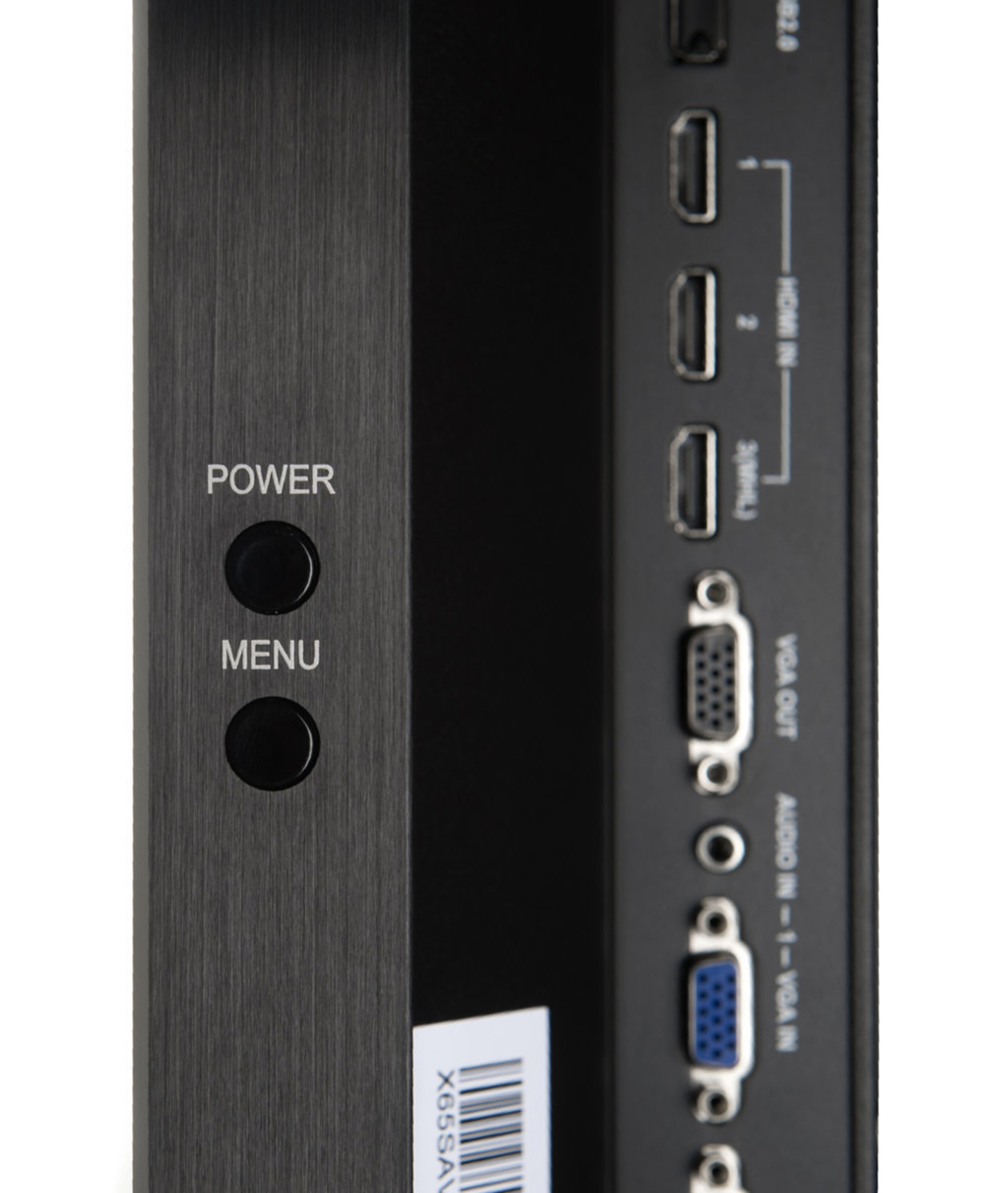
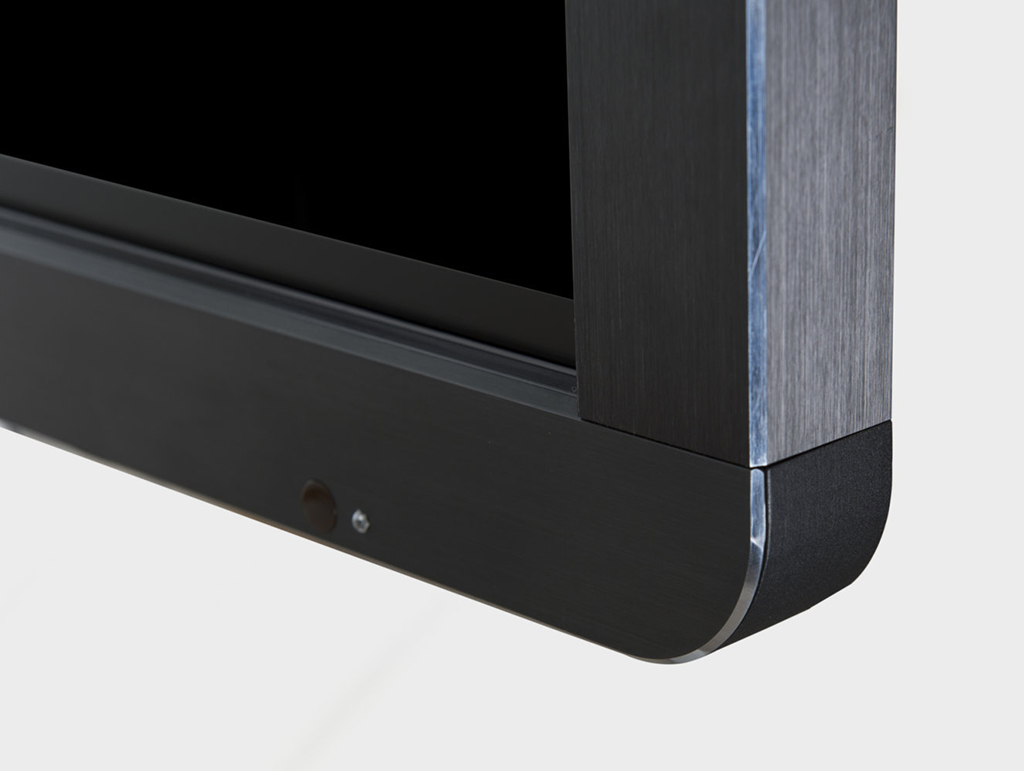
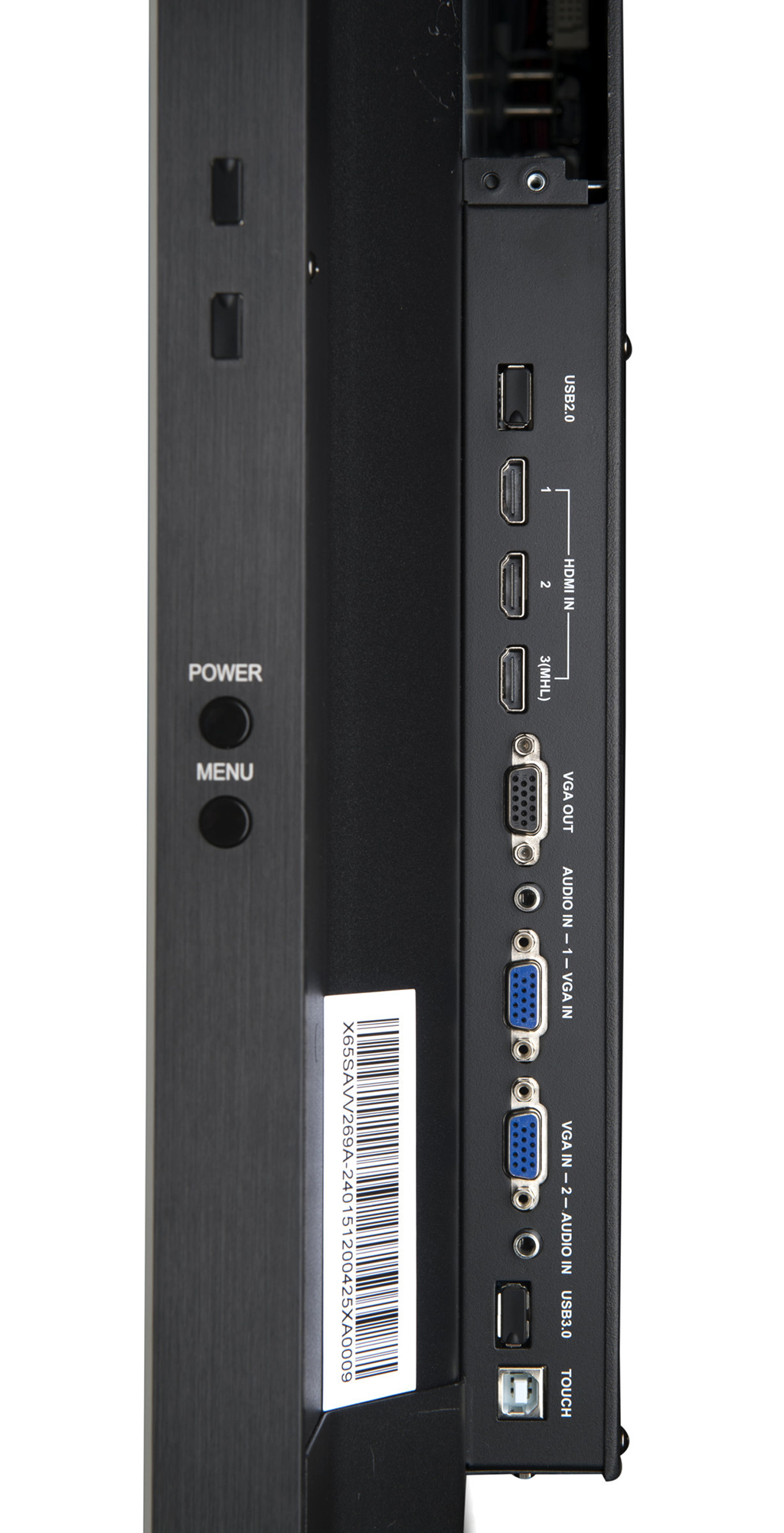
The models of 55 y 65 inches are manufactured with a new Clevertouch technology called Open Frame with which the weight is reduced by a 33%, that in the case of the monitor 65 inches passes 68 to the 44 kilos. Besides, The rounded edges and the USB inputs and side buttons facilitate use in interactive table mode.
The Clevertouch Plus Lux range is protected by four millimeters tempered anti-glare safety glass with a level hardness 7 on the MOHS scale and has a very resistant bezel.
 These panels also come equipped with the Clevernote app that allows you to use the monitor as a whiteboard by simply touching the surface with your finger or stylus., preserving the precision and speed of writing thanks to a state-of-the-art IR touch frame. “This is a very careful aspect of the brand and highly appreciated among customers, since it allows you to work in a very intuitive and simple way, as if it were done with a flipchart or blackboard of any type”, explains Daniel Galindo.
Presentations can be stored in your own format (.enb) editable later, although you can also send the presentation to the audience, store it for future reference without editing, or export it to images or PDF documents. Another improvement in whiteboard mode is the default shapes or the broom., that deletes all annotations and other objects on the current screen with a single click.
Another novelty of Clevertouch Plus Lux is the Active function that allows you to move between the applications that are active (for example from a Power Point to a PDF, web browser or pizarra Clevernote). Thanks to this function, the presentation becomes very fluid, It can be stopped by dragging down unused applications to free up memory..
The new Clevertouch Plus series maintains the possibility of generating a layer of annotations on any document (Office, videos, images), web or external image source (viewer, document camera, electron microscope, MiraCast receiver and a PC). But the Crop tool is added as a novelty, very useful for example when you want to cut out only a part of a web page and take it directly to the whiteboard to work on it.
Format Compatibility
 As in the previous series, it is possible to directly read Office files (Word, Excel, PDF, Power Point) with pre-installed WPS Office and Olive Office Premium applications. As a novelty, The WPS Office file reader allows you to create files and store them with the annotations made. The videos, Images and sound can also be played directly on the monitor.
Files can be read from internal memory, USB key, from Drive if you log in with Google, or through the ES File Explorer browser, capable of integrating the monitor into the local network or configuring various cloud platforms such as Drive itself, OneDrive, Dropbox, etc.
The monitors come pre-installed with two applications for wireless presentations: AirPlay Server (compatible with Apple AirPlay) theSore (compatible with Windows/MAC computers and BYOD Android or IOS), which have screen mirroring functions, file sharing and monitor control from the device.
Did you like this article?
Subscribe to our NEWSLETTER and you won't miss anything.