


Coblonal shapes your interior design projects with the Clevertouch interactive monitor
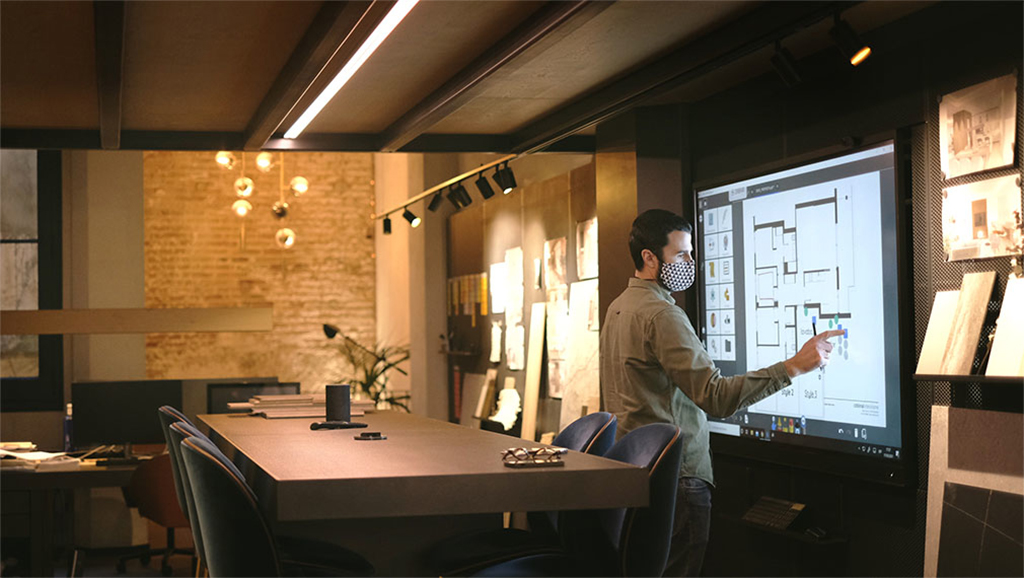
Capture creative ideas, encourage collaboration or show clients projects, These are some of the uses given to the interactive monitor Clevertouch UX Pro de 75 that has been installed and includes the Lynx Whiteboard software 7.
The interior design and construction studio Colonal has incorporated a 75” Clevertouch interactive monitor into its sample and meeting room to enhance its project presentations in a more dynamic way and to better convey the message in highly complex jobs..
Con 24 years of experience in the residential and commercial sector, Coblonal is characterized by uniqueness and quality, to devise and execute each of the designs. In February 2019, the firm moved to a new space, much larger and central, in the Tetuán square in Barcelona. And home-office, designed as an office with the soul of a home in open space, with different work areas for the team and the reception of visits from clients and collaborators.
Under the loft there is a high table with very special functions.. It is an area designed to imagine and show the spaces that project. In it they meet, Share plans and visualizations of the project with the team, collaborators and clients, review samples and make finishing compositions.
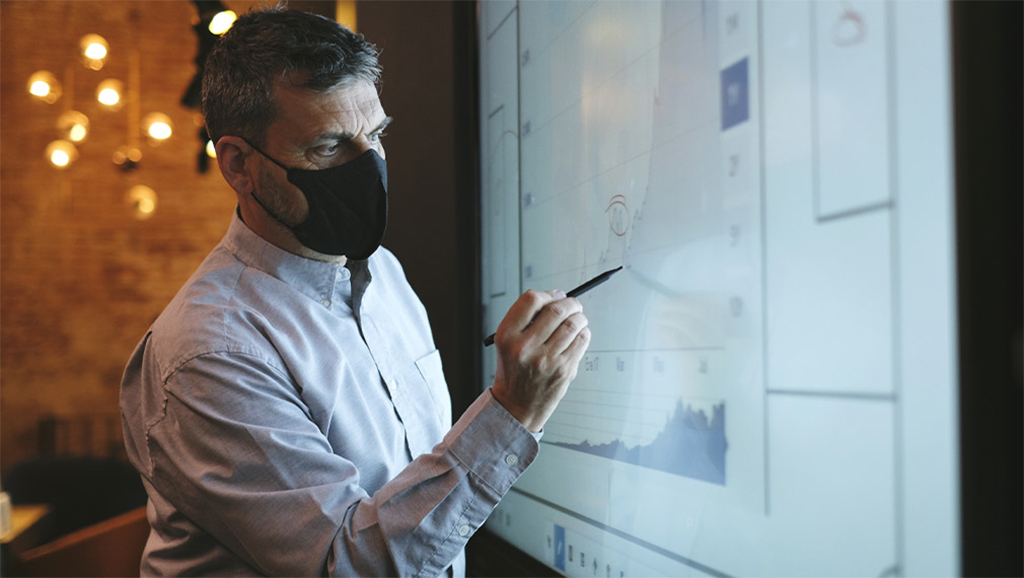
Over time, It has become a multifunctional and multipurpose space where they have recently installed the interactive monitor Clevertouch UX Pro of 75 inches with advice from the installer BY PymeTech Adviser y Charmex.
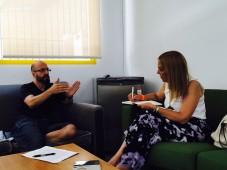
“We use the Clevertouch screen to show clients project details, add comments and modifications on the fly. It is available to the entire team for their meetings, with collaborators and with clients, the latter being the priorities”, comments Joan Llongueras, owner partner and creative director of Coblonal.
For the studio each project is unique, because each client is different and, although certain common elements can be identified in their projects, each one is adapted to the ways of living and acting of its inhabitants or users.. Although they already used iPads for this purpose, The Clevertouch monitor “offered us the opportunity to do it in unbeatable conditions and for a group of more than two people.”, as is usual in our case”, scores Joan Llongueras.
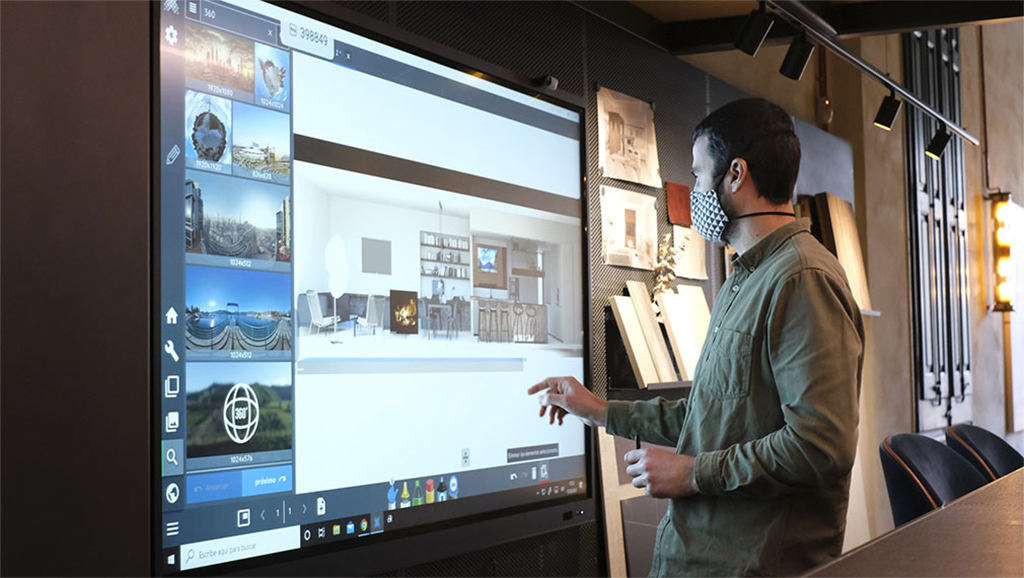
At the UX Pro range by Clevertouch, designed for professional environments, Provides smoother writing thanks to patented Super Glide Touch technology. Something important to draw or write down freehand. It's as simple as writing on a conventional whiteboard, no delays. With the ability to differentiate between palm erase, writing with finger and pencil, no need to change settings mid-stream.
“We highlight dynamism and interactivity by allowing us to make modifications and annotations to the plan at the moment and contrast it with clients and collaborators.. On the other hand, Images and renderings are displayed in unbeatable conditions, which makes their presentation easier since it is not necessary to print them. Lluís Sala, de PymeTech, offered us all the necessary advice to get started, the rest is learned alone. Its use is very intuitive”, highlights Llongueras.
The monitor includes the software Lynx Slate 7, which includes a touch interface and all the tools at your fingertips.
Its large selection of pens is for attractive annotation in your presentations.. rainbow feather, fountain pen, letter recognition, of shapes, even, a pen that simulates a laser pointer. Pressure and speed help decide the thickness of the line while the user writes on the pen display, like with a real pen.
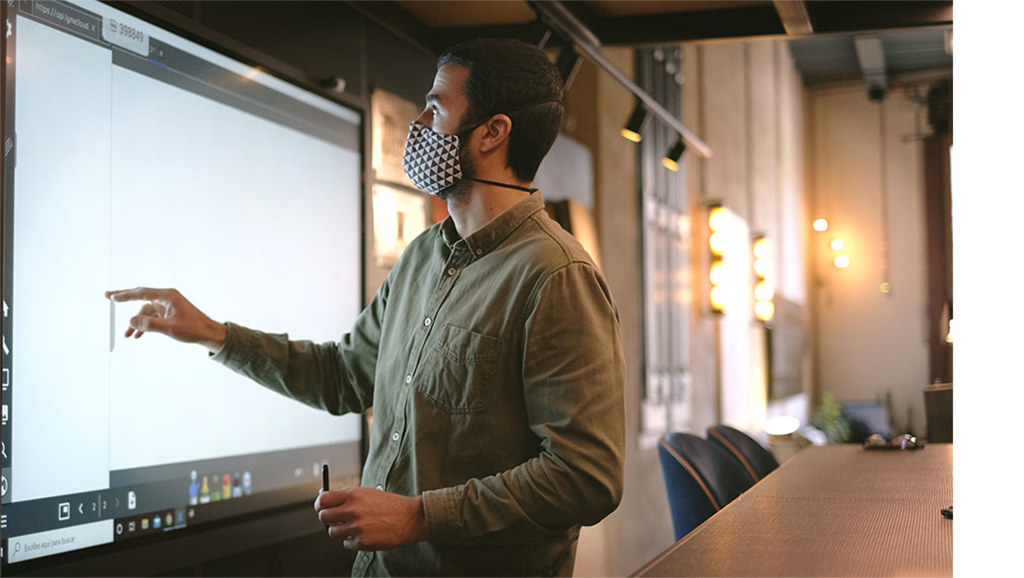
Another very useful function, is to search for Internet content directly from the Lynx Whiteboard, without having to exit the software, and be able to import them into presentations or plans. Thus, the client or supplier can be involved in the modifications of the proposal, how to get a more visual idea.
The collaborators, for example in the middle of a sample with clients, select from Bing Images, YouTube videos, GIF. When the desired content is selected, They simply drag and drop it on the presentation or plan. Or if you prefer, you can search on Google through the browser panel, that allows you to open web pages from the same Lynx Whiteboard. To do this, simply write in the address bar or in the search box and it will take you to the desired destination..
Using the browser's configuration menu, you can take screenshots of a web page and then paste them onto the digital canvas.. Coupled with this, The Lynx Whiteboard has a functionality where several separate layers are managed, very useful for professionals who work with plans and are used to using programs such as Autocad or Photoshop.
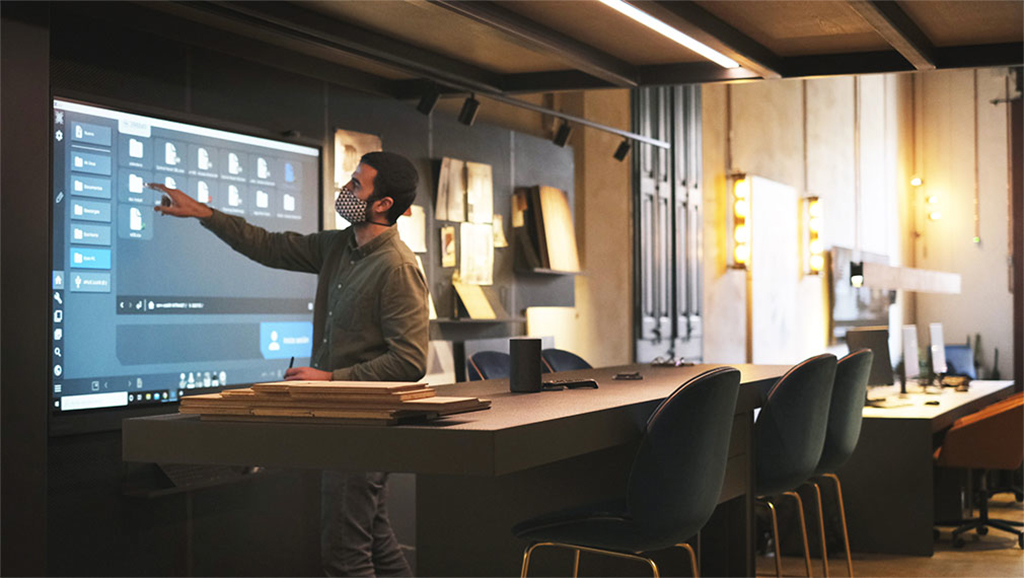
“Before we used a large television as a computer monitor. It was located next to the entrance to the studio and exposed to passersby., so it couldn't always be used, depending on the type of information to be processed”.
Although at the beginning it was thought about installing the interactive monitor to be used only for the client., They have also incorporated it for meetings with suppliers and collaborators where representatives of the project team meet, budget and construction. Sometimes even for video conferencing when at least two members of your team are involved.
And another use is for internal training where they share content or information relevant to the team.. Internally, The Lynx Whiteboard software is very useful because it is cloud and cross-platform, to collaborate. Hence, Everyone can have the notes and after the meeting enter from home on their device.
Did you like this article?
Subscribe to our NEWSLETTER and you won't miss anything.
Related articles
 Solitium and Charmex modernize three schools in Alicante with Clevertouch
 Clevertouch UX PRO Edge: monitors for interactive collaboration
 Wacom Movink: OLED interactive display for creative professionals
 Kimitec Group creates an interactive environment in its new R&D center with Fluge Proyectos
 Cidefib trains nursing professionals with Clevertouch monitors
 Maxhub X3: 4K interactive touch monitor for meeting room collaboration
 The CB Gran Canaria promotes the possibilities offered by the Clevertouch interactive monitor
 Collaboration and impactful presentations with the Clevertouch Pro Capacitive 4K monitor
 Wacom DTH-1152: Interactive multi-touch monitor for consulting and signing electronic documents
Charmex markets Clevertouch multi-touch monitors in Latin America
Wacom DTH-1152: Interactive multi-touch monitor for consulting and signing electronic documents
Charmex markets Clevertouch multi-touch monitors in Latin America
 Macroservice brings to Spain the 70” multi-touch monitor for interactive digital signage from Elo Touch
 Macroservice brings the Elo 5501LT interactive digital signage monitor to Spain
 “Our value with PosterDigital is key in the way we approach signage projects”, J.A.. Married, Technological
 The Spanish Soditec successfully closes its time at ISE 2014 with its 4K interactive monitor