


PPDS offers wireless content sharing with Philips ScreenShare
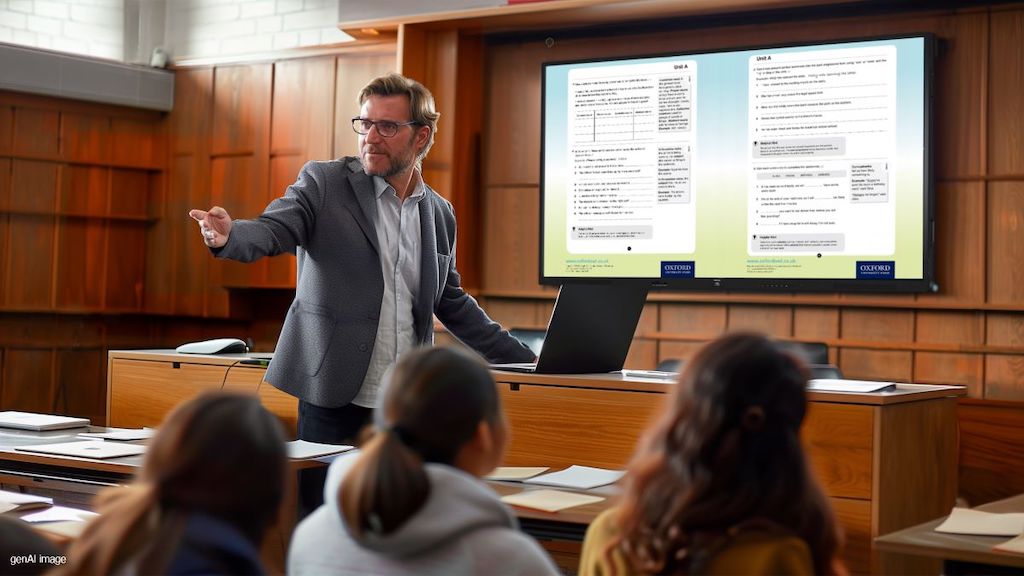
Seguro y sin interrupciones, el nuevo software de presentación ScreenShare de Philips, designed with DisplayNote para las pantallas Collaboration BDL3152E y BDL4152E y disponible a través de PPDS, permite compartir contenidos al instante utilizando cualquier dispositivo, en cualquier red y sin hardware adicional.
PPDS, exclusive global supplier of Philips Professional Displays y soluciones complementarias, has announced the launch of Philips ScreenShare, una nueva y completa solución de software de presentación todo en uno que permite compartir contenidos y experiencias conectadas de forma inalámbrica, segura y sin restricciones.
Ampliando la experiencia con el conjunto de soluciones dedicadas para entornos educativos y corporativos de PPDS, como la gama Philips Collaboration Displays presented earlier this year, el software ScreenShare transforma sin esfuerzo cualquier espacio de enseñanza o reunión en un entorno totalmente seguro (conforme a la GDPR), inclusivo y conectado, no additional hardware required.
Preinstalado en todas las nuevas pantallas interactivas Philips Collaboration BDL3152E y BDL4152E, y ya disponible para su descarga a través de PPDS Wave en los modelos existentes, ScreenShare ofrece compatibilidad y conectividad casi universales, superando muchas complejidades, limitaciones y frustraciones comunes experimentadas con otras soluciones comparables de uso compartido de contenidos.
Compatibilidad universal
Esta solución totalmente compatible con GDPR, desarrollada en colaboración con DisplayNote, cuyo software se utilizó en más de 300.000 aulas e impulsó más de 15 millones de pantallas compartidas en 2023, permite que el presentador (controlador de pantalla) y hasta un centenar de participantes se conecten simultáneamente y compartan contenido directamente en el sistema visual principal utilizando su propio dispositivo personal (byod).
Al adoptar un enfoque tecnológicamente agnóstico y garantizar la máxima inclusión e igualdad, la flexibilidad de Philips ScreenShare permite compartir contenidos desde cualquier dispositivo, conectado a cualquier red (LAN, WiFI, mobile) y con cualquier sistema operativo. Esto incluye dispositivos en Windows, Mac, iOS, iPadOS, ChromeOS o Android, con AirPlay, Google Cast y Miracast también compatibles, para un uso sin esfuerzo.
As he assures Frank Trossen, global business development director education and corporate de PPDS, “con Philips ScreenShare hemos eliminado todos los obstáculos para garantizar que todas las personas de la sala tengan la misma voz y la misma oportunidad de contribuir, ya sea en un aula, en una sala de reuniones o en una de juntas. Incluso la persona más callada puede disfrutar de su cuota de voz y presentar con confianza con esta solución”.
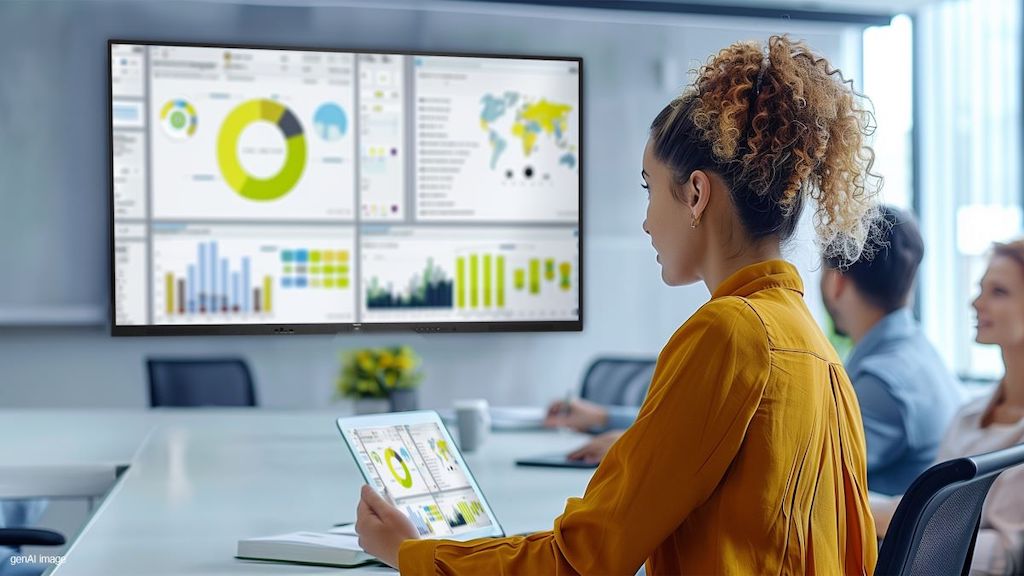
Libertad para enseñar y compartir
Gracias a los numerosos comentarios del mercado, Philips ScreenShare apenas requiere formación, por lo que incluso los menos expertos en tecnología pueden utilizar y comprender fácilmente esta solución, con un amplio control y gestión de lo que se comparte, cuándo y por quién.
Los presentadores sólo tienen que abrir la aplicación ScreenShare en la pantalla interactiva Philips, que revelará automáticamente un código único de seis dígitos. Aquellos no utilizados se actualizan automáticamente a los treinta minutos y al final de cada sesión, y todos los dispositivos se desconectan para evitar posibles accesos no autorizados.
Al introducir el código en la aplicación Philips ScreenShare o en el navegador web de su propio dispositivo, el presentador tiene la libertad de controlar, gestionar y presentar de forma inalámbrica y remota sus planes de clase directamente en la pantalla profesional de este fabricante desde cualquier lugar de la sala.
Los participantes de la sala sólo tienen que conectarse a la pantalla mediante el mismo proceso, y todo el contenido se compartirá inmediatamente y se emitirá en sus dispositivos en tiempo real, ofreciendo una visión perfecta desde cualquier lugar en el que estén sentados.
Maximizar la participación
Para fomentar y facilitar la colaboración sin esfuerzo, los presentadores pueden conectar y desconectar sin problemas dispositivos/individuos específicos en cualquier momento, ofreciéndoles la oportunidad de mostrar y transmitir de forma inalámbrica sus pantallas en la principal.
Besides, para mejorar la interactividad en grupo, Philips ScreenShare cuenta con las funciones GridView y GridView ampliado, que permiten conectar y transmitir hasta nueve dispositivos al mismo tiempo.
SceenShare, que amplía y complementa las funciones preinstaladas en las pantallas de colaboración de Philips, también incluye el modo de anotación y una pizarra blanca que permite a los presentadores y a los participantes seleccionados dibujar y añadir marcas sobre el contenido que se muestra.
Para ayudar a mantener el interés de la sala en todo momento y reducir las posibles distracciones al tomar notas, todo el contenido presentado se puede guardar, con una carpeta de elementos compartidos que actúa como repositorio central de los archivos y enlaces utilizados durante la sesión.
“Estamos encantados que PPDS haya elegido aumentar sus Philips Professional Displays con esta versión personalizada del software para compartir pantalla de DisplayNote -señala Ed Morgan, director de operaciones de esta compañía-. Trabajando juntos creemos que esta combinación hará la vida más fácil a los presentadores y profesores de todo el mundo”.
Además de todas las funciones de una solución de difusión inalámbrica, “en DisplayNote añadimos valor a través de nuestro enfoque de la conectividad, la seguridad y la asistencia, que creemos será de gran utilidad para sus usuarios”, subraya Morgan.
To Siddarth Gopal, director global de soluciones de software de PPDS, “la tecnología debería estar abierta a todos, sin dejar a nadie atrás. En nuestra compañía trabajamos duro para eliminar todas las complejidades y restricciones que presentan otras soluciones del mercado, garantizando la máxima inclusividad y productividad, sea cual sea el entorno”.
Con Philips ScreenShare, continúa Gopal, “estamos facilitando la libertad para que la gente presente como quiera, y para que los participantes transmitan sus puntos de vista de forma instantánea y segura. Con veintiocho idiomas y amplios controles y otras capacidades, la colaboración se hace sencilla o eficaz”.
Philips ScreenShare de un vistazo
- Guardar contenido compartido: con esta solución se puede guardar contenido para que los usuarios conectados lo carguen a través de la carpeta de elementos compartidos, un repositorio central de archivos y enlaces que se han mostrado durante la sesión.
- Conectarse como profesor: esta función permite a los profesores utilizar su dispositivo para invitar a los alumnos y asistentes conectados a compartir su pantalla.
- Pizarra: Philips ScreenShare también se puede utilizar como pizarra, lo que permite una mayor interactividad y mejora la experiencia de la reunión y la enseñanza.
- Modo moderador: esta función ofrece a los profesores y presentadores la posibilidad de elegir, conectar y desconectar los dispositivos que pueden compartir en la pantalla principal.
- GridView y GridView ampliado: en el primer caso, cuatro asistentes a la reunión pueden conectarse a la pantalla, mientras que el modo ampliado permite que hasta nueve dispositivos se conecten a una sesión en cualquier momento.
- Anotaciones sobre el contenido: además de mostrar el contenido, el presentador puede utilizar el modo de anotación para dibujar y marcar, desde su dispositivo, encima del contenido de la pantalla.
Did you like this article?
Subscribe to our NEWSLETTER and you won't miss anything.
Related articles
 PPDS brings Philips MediaSuite TVs to luxury yachts
 PPDS debuts in the maritime hospitality market with Philips MediaSuite
 PPDS gets a makeover with Philips Wave at ISE 2025
 PPDS and Q-SYS optimize management in Philips professional displays
 PPDS carries out the largest indoor installation with Philips dvLED in the MK-7
 PPDS continues its commitment to dvLED with Philips Unite Led 5000
 InfoComm 2024: PPDS offers new learning experiences with Philips Genius
 PPDS Philips Cast Server optimizes content streaming in hotels
 PPDS Publisher: app for creating content on Philips B-Line Business televisions
 PPDS offers size and sustainability in the new Philips Tableaux 32” ePaper
 PPDS improves the hotel room experience with Philips HAL5023
 PPDS and Telelogos bring content and device management to Philips Tableaux
 PPDS offers an innovative experience with its new Philips MediaSuite for hospitality
 Biamp adds HRT's content sharing and wireless USB solutions to its portfolio