


Analog Way improves CorePlay Solo media player
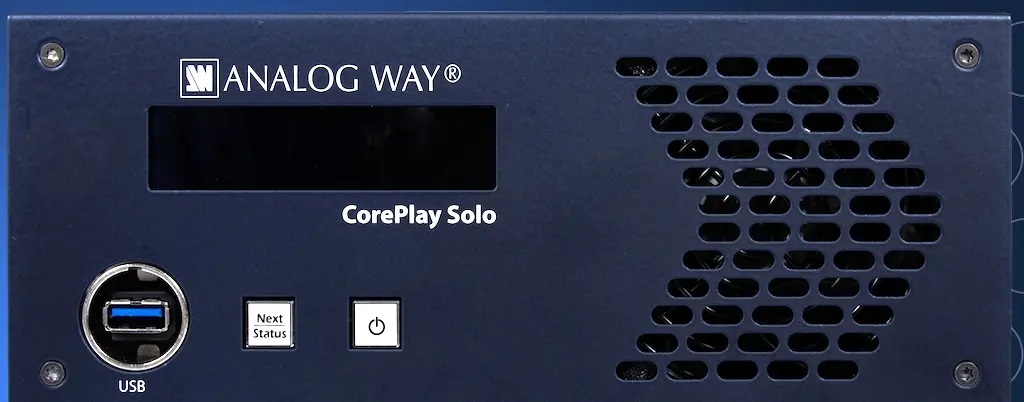
The possibility of controlling multiple units and optimized content distribution are the main improvements that Analog Way introduces CorePlay 1.4, a new software update for your CorePlay Solo media player, designed for live production environments.
The update Simplifies management of multiple playback systems by centralizing control, Improve system visibility and optimize content distribution workflows between CorePlay units.
As productions grow in scale, Operators are increasingly forced to manage multiple playback systems deployed in different locations. CorePlay 1.4 allows operators View and control multiple CorePlay units accessible on the network from a single interface. A side panel displays detected drives with live thumbnail previews and key playback information, providing a consolidated view of system health across multiple servers.
Given the widespread use of backup systems in live event workflows, Monitoring both primary and secondary playback systems can add operational complexity. CorePlay 1.4 brings both systems together in one Unique remote control app interface, allowing operators to maintain visibility without relying on additional screens or manual checks, and helps ensure a backup server is ready if needed.
Shared local networks are still the norm in most production environments, but maintaining stable connections to playback systems may be affected by IP changes or device reboots. CorePlay 1.4 enter to automatic detection of CorePlay drives accessible on the network, reducing the need for manual reconnections and allowing operators to focus on setup tasks rather than network management.
Larger media files continue to impact turnaround times, especially when content must be distributed across multiple systems. CorePlay 1.4 allows operators to initiate transfers from the remote control system, where transfers are queued and processed sequentially. This allows deploy media files to multiple CorePlay drives, which reduces preparation time and helps ensure all systems are ready for the show.
Did you like this article?
Subscribe to our NEWSLETTER and you won't miss anything.
Related articles
 Amino exhibits at ISE 2025 your new H200W media player
 Hive will debut on LDI 2024 with Nucleus media player
 Analog Way CorePlay Only: multimedia player for live events
 Videotel presents its most powerful and fastest 4K multimedia player
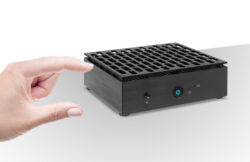 Open DE3125: small format multimedia player
 Analog Way presents for the first time at ISE 2024 the Solo media player
 Media player+display vs SoC screen
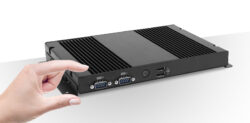 AOpen DEX5750: Intel-based fanless media player
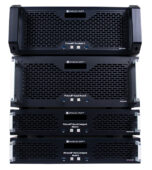 Picturall Mark II: new generation of multimedia servers from Analog Way
 Advantech offers with DS-082 a solo 4K player 19 mm for easy installation
 Tripleplay designs a multimedia player specifically for hospitality
 Helle Hollis Car Rental improves customer experience with Qmatic Solo
 Quanmax OPS-100, Fanless media player with advanced graphics capabilities
 Sirkom will unveil its new SRK digital multimedia player at ISE-070