


ClearOne views BMA microphone coverage 360 con Autodesk Revit
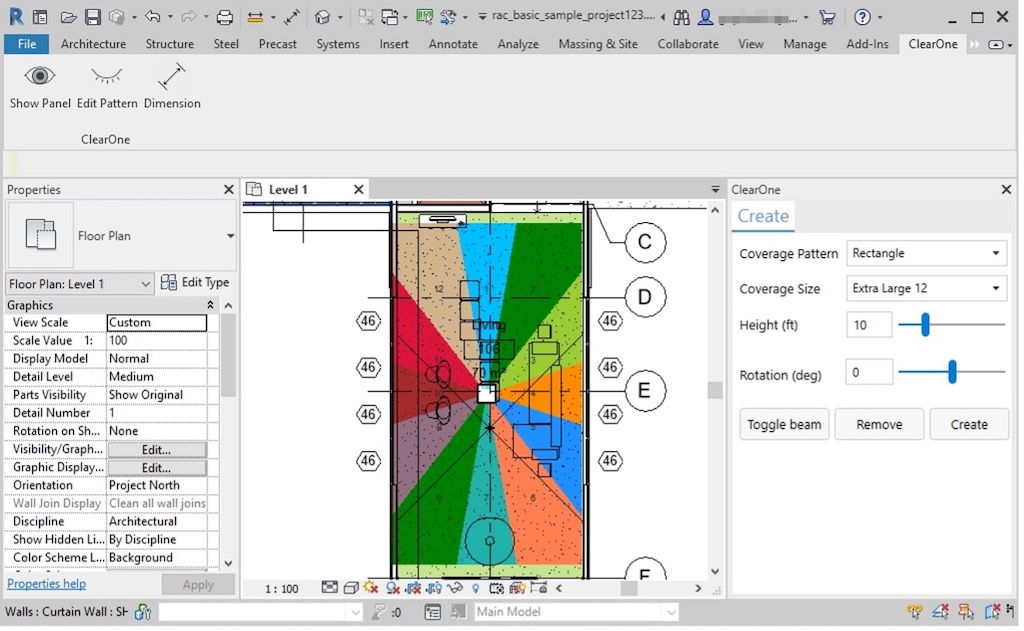
With its new plugin, ClearOne allows designers to see where they should place BMA microphone arrays 360 with the software Autodesk Revit, achieving optimal audio capture and quality.
With the aim of offering simple communication solutions, ClearOne has developed a new audio coverage plugin BMA 360 for building information modeling software (BIM) Autodesk Revit, allowing designers and integrators to determine precisely where a beam microphone array should be placed for optimal room coverage.
 He plugin Smart helps maximize the effectiveness of security solutions Beamforming Microphone Array of the company, while simplifying design and installation with Autodesk Revit BIM software.
This powerful plugin BMA audio coverage 360 provides dynamic support for most beam microphone configuration options, available within the software AI consoles by ClearOne.
Setup includes including coverage pattern selection, its size, the height above the ground, rotation and activation/deactivation of the beams. He plugin (downloadable on the ClearOne website) is compatible with Revit 2019 until Revit 2022.
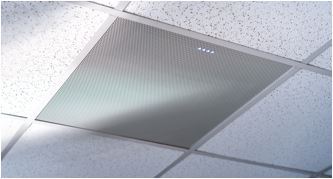
 Patented by ClearOne, BMA 360 is an innovative ceiling plate with a beamforming microphones, offering great audio performance and ease of deployment.
With innovations like Voice Lift, FiBeam y DsBeam, BMA 360 offers coverage of 360 degrees with up to two beams at a time and provides an increase of up to 20 dB (in voice elevation gain before feedback), compared to an omnidirectional microphone.
The acoustic echo cancellation sixth generation offers performance of audio full-duplex per beam, while the audio algorithms integrated for noise reduction, filtering and automatic level control eliminate the need to process each beam in a DSP mixer.
Did you like this article?
Subscribe to our NEWSLETTER and you won't miss anything.
Related articles
 ClearOne offers a complete microphone solution with Versa Lite BMA 360D
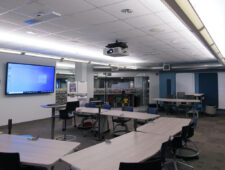 ClearOne BMA brings full audio coverage to Color Art multifunction rooms
 ClearOne Dialog 10 USB: professional quality wireless microphone
 ClearOne BMA 360 Improves microphone pickup distance and gain
 Grammy Museum Visualizes Music History with Planar 4K Screens and Video Wall
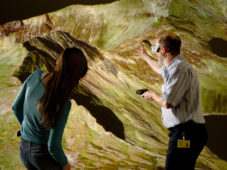 The knowledge and art of cartography is visualized in an immersive way in 3D
 The Rugby World Cup 2015 is displayed on the Daktronics Led screens
The Eizo CG248-4K monitor displays 4K images in great detail
The Rugby World Cup 2015 is displayed on the Daktronics Led screens
The Eizo CG248-4K monitor displays 4K images in great detail
 Crystal Display Systems' square LCD screen displayed in ISE 2015
 Autodesk and Lego make the first 3D assembly instructions possible
 3D content from interactive visualization of Axis cameras with Autodesk Revit
 ClearOne Introduces New WS800 Digital Wireless Microphone System
 Autodesk digitally animates LEGO mascot using 3D instructions
 Autodesk Alias helps Volvo in the design of its Concept You model