





Panasonic adds Wireless Display and Multicast to PressIT presentation system
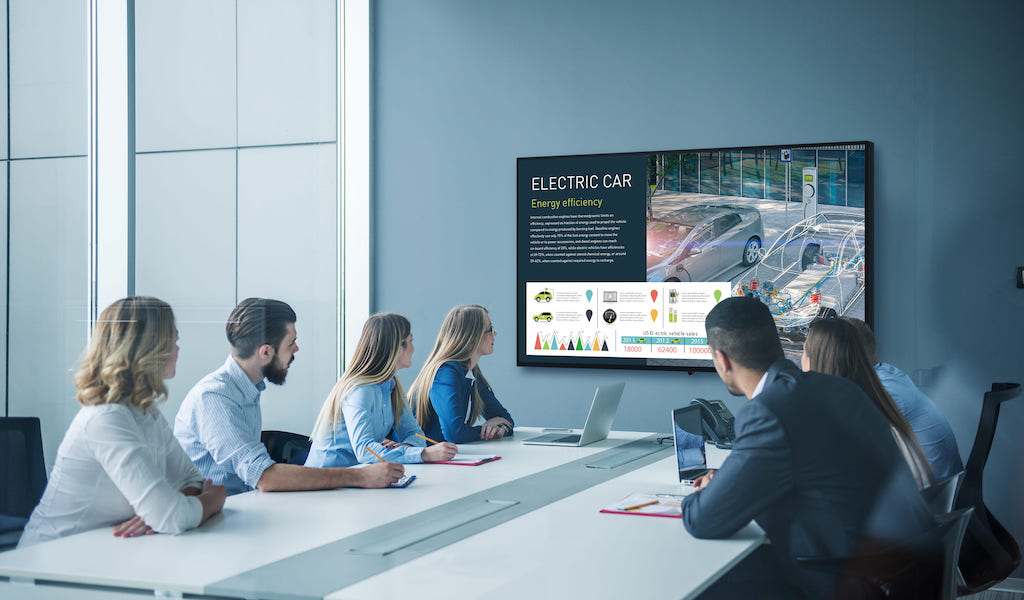
These new options Panasonic PressIT allows you to share content instantly without having to connect a transmitter dongle and make presentations on several screens simultaneously.
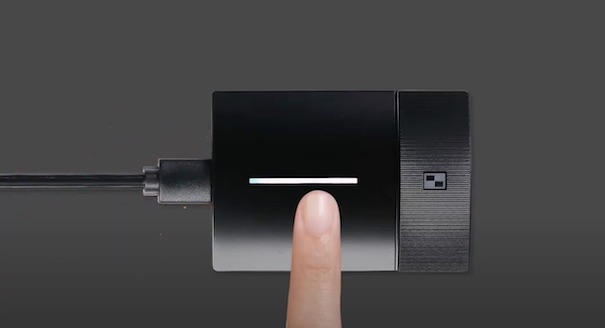
More versatile, wireless presentation system He pressed it of Panasonic makes it easy for professional users to share content instantly right from their device, using a keyboard shortcut and without having to connect a transmitter dongle, thanks to the incorporation of Wireless Display.
 Another function added to PressIT is Miracast, that allows all participants in a meeting or large event to view information on multiple screens simultaneously.
“For those users who want to instantly share their ideas with the group, or who need to communicate and transmit content on a larger scale, “Wireless Display and Multicast are two great new additional features that are added to what was already the most collaborative and intuitive wireless presentation system on the market.”, states Hartmut Kule, european marketing manager de Panasonic Visual Solutions.
 As already mentioned Digital AV, PressIT is designed to ensure simple and efficient solutions in meeting rooms, work group spaces and classrooms. The system allows up to four presenters to simultaneously show audiovisual content and connect up to 32 devices for making a presentation plug and play, without cables or software.
In this sense, offers excellent image quality, with crisp HD resolution and no delays in video playback. How wireless presentation does not mean giving up security, PressIT uses WPA2 AES128-bit encryption so participant data remains completely secure, eliminating the possibility of leaks.
360º videoconference
In addition to this versatile wireless presentation system, Panasonic has also recently presented its second product in the PressIT range, materializing its commitment to offering more flexible collaboration systems, safe and designed for the future of the market.
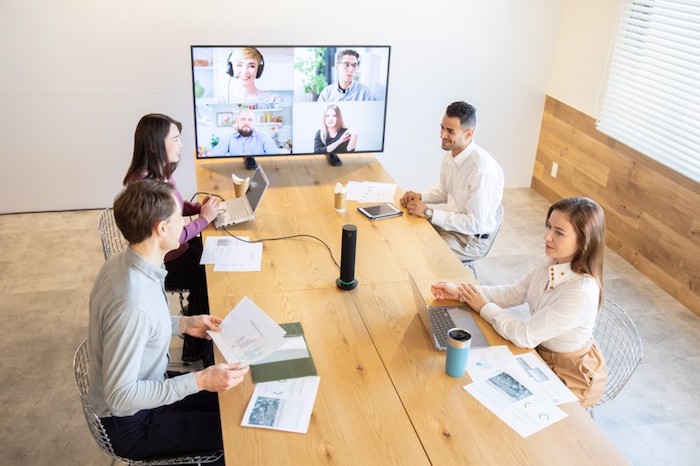
PressIT360 is an innovative solution for video conferencing 360o, specially designed to eliminate the tension that occurs in hybrid meetings: Simply connect it to a PC with a single USB Type-C cable and you will get impressive high-resolution horizontal images and crystal-clear sound., whether the participant is in the room or in a remote location.
Did you like this article?
Subscribe to our NEWSLETTER and you won't miss anything.
Related articles
 Panasonic develops a new version of its PressIT presentation system
 Panasonic adds live events and sports to its Digital World AV platform
 WHEREAS 2021: Sennheiser presenta Evolution Wireless Digital, your new wireless microphone system
 Swing invests in Shure's Microflex Complete Wireless conferencing system
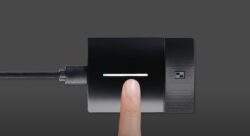 Panasonic Press It: When presenting is as easy as pressing a button
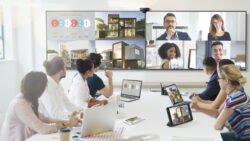 ViewSonic goes one step further in collaboration with the Wireless Presentation Display solution
 NEC Display PA1004UL: laser projector for presentations 10.000 lumens
 Panasonic adds the SQ1 line to its range of large format 4K screens
 Allen & Heath adds DX168 to dLive digital mixing system
 Beyerdynamic TG 500: wireless system for small stages and presentations
 Extron adds a complete 4K twisted pair system to its XTP Systems range
 NEC Display promotes the creation of interactive presentations with Reactiv Stage
Panasonic allows Wi-Fi projection from mobile terminals with the Wireless Projection app
NEC Display promotes the creation of interactive presentations with Reactiv Stage
Panasonic allows Wi-Fi projection from mobile terminals with the Wireless Projection app
 Panasonic presents a new interactive plasma screen for professional presentations