


Nureva develops software to configure HDL Pro series systems
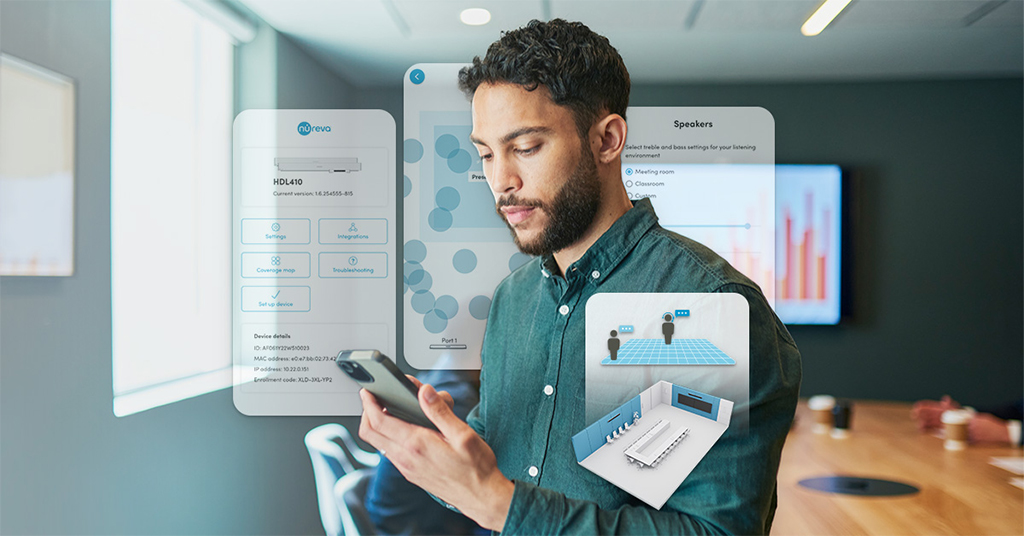
web based, This app offers a streamlined method to simplify and improve in-room setup of HDL310 and HDL410 devices. Nureva.
Nureva has developed an application that allows IT administrators and integrators to configure equipment HDL310 y HDL410 for better performance. Web-based, it has been designed with home audio systems in mind. HDL Pro series.
This tool offers a streamlined and efficient method for setting up both audio and third-party cameras., allowing tracking and switching, either by connecting directly to the connection module or through a local area network (LAN). Tailored to the needs of IT administrators and integrators, simplifies and improves in-room setup of Nureva devices.
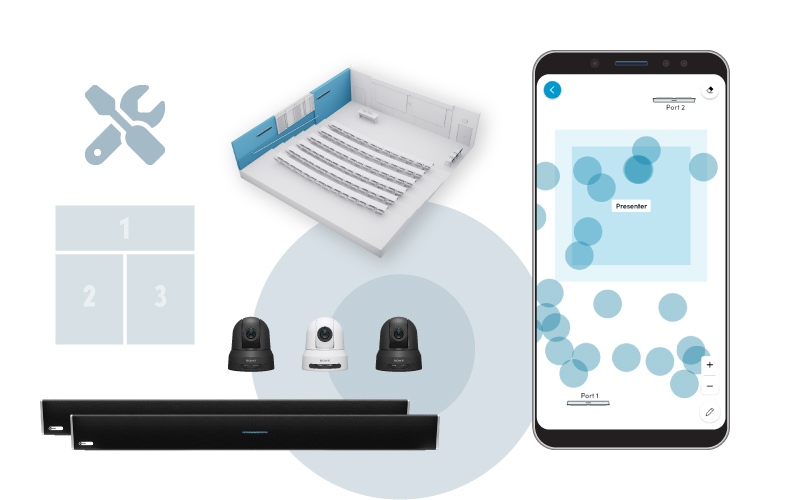
Unlike complicated procedures for setting up traditional professional AV systems that require multiple software tools and extensive technical experience, Much of the installation and configuration process is automated when using this app, reducing installation time and audio and camera integration.
The application is complemented with Nureva Console, the brand's cloud-based platform used for scale management of its devices in an organization.
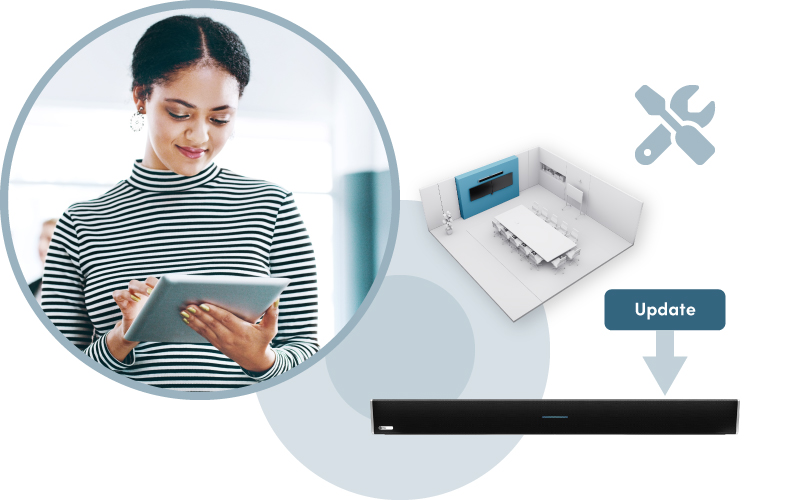
It is accessible on various platforms, including PC, tablets and mobile phones, allowing users to manage their audio settings from anywhere on the LAN. Easy-to-use interface eliminates the need for specialized expertise, allowing you to achieve professional audio results with ease.
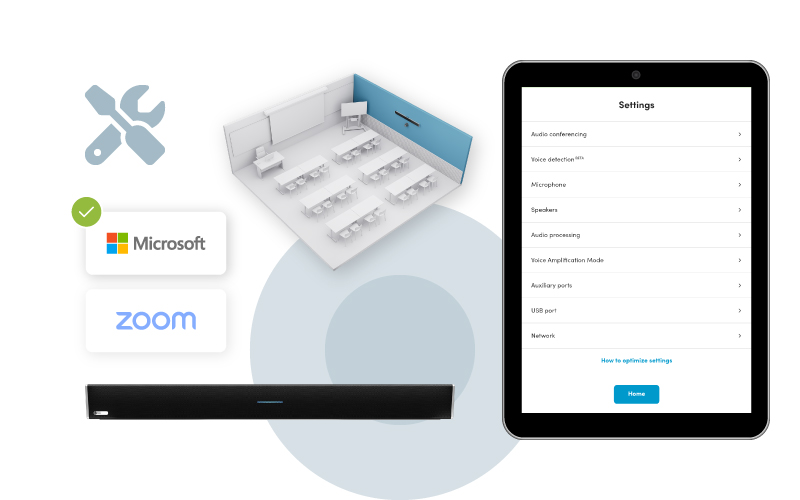
Certificates for rooms Microsoft Teams y Zoom Rooms larger up to 10.7×16,8 metros, Nureva's HDL310 and HDL410 systems ensure consistent and clear communication for both in-room and remote participants. This is possible thanks to the patented Microphone Mist technology™, providing reliable microphone pickup throughout the room and allowing collaboration to happen naturally without technical distractions.
Key features and benefits
- Simplified setup: The app offers step-by-step installation tips and tools, including a setup wizard, to make it easier for novice users and installers to efficiently implement HDL310 and HDL410 systems.
- Advanced settings: Audio settings can be accessed directly through the app, including device setup for Microsoft Teams or Zoom UC calling&C. Voice Boost mode can also be enabled to enhance the presenter's voice in the room and ensure that remote participants can hear all voices in the room clearly.. Voice amplification mode is particularly beneficial for optimizing audio quality in meeting rooms, larger classrooms and training rooms.
- Optimized updates: The Nureva app makes it easy for IT teams to update their HDL310 and HDL410 systems with the latest features for the best experience.
- Coverage map and camera areas: The application includes a function that generates a map of microphone pickup areas and the location of sound events in real time. Users can create up to eight camera zones that can be assigned to cameras in the room that use Nureva sound location data to help with tracking and switching.
- Voice detection: This new AI-enabled algorithm trained by Nureva improves sound location data for camera tracking by distinguishing human voices from background noise, which significantly improves accuracy and ensures clear communication.
- Camera and control integrations: Customers can use the app to configure their local tracking and camera switching integrations directly on the HDL310 and HDL410 systems.
Did you like this article?
Subscribe to our NEWSLETTER and you won't miss anything.
Related articles
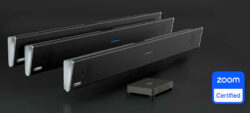 Nureva achieves certification of the HDL pro series for large Zoom rooms
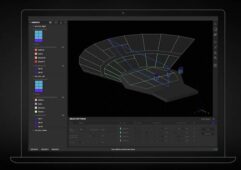 Holoplot Plan offers precise analysis to design and configure audio systems
 THE Audio Alma: software for network control and management of systems
 ClearOne develops BMA modules 360 for Extron control systems
 Navori Labs Develops Advanced AI Marketing Analytics Software for DOOH
 Navori develops native software for BrightSign 4K and HD players
 Nureva develops a cloud platform to remotely manage its audioconferencing systems
 NEC Display develops MediaPlayer software with Raspberry Pi for digital signage
 VIA Technologies develops a module for information screens and automated systems
 Visiology develops a new data visualization module for its Polywall software
 Blue Print: 3D electroacoustic forecasting software for Adamson systems
 Bosch develops tender software for public address and voice alarm installations
 Jung develops the version 3 Elvis software to control the KNX system
 Rapid Project Maker de AMX, a solution to configure systems without programming