


Avolites Titan 16 streamlines the workflow of lighting operators
 La última versión de Titan, el software de iluminación y control multimedia integrado de Avolites, introduce funciones que amplían la flexibilidad y velocidad de los programadores de este entorno.
Avolites Titan 16 mejora significativamente la labor de los técnicos con la vista Freeform Layout, que ofrece la posibilidad de organizar y seleccionar las luminarias en un diseño 2D, de forma manual o automática, desde el visualizador Capture integrated, which agiliza el flujo de trabajo desde el diseño hasta la programación.
Esta novedad de la versión 16 ofrece una representación visual del estado actual de las fijaciones y se accede a ella desde una nueva ventana denominada Layouts, de manera que los profesionales pueden incluir tiradores de grupo en los diseños para facilitar aún más la selección de las luminarias.
 Otra de sus ventajas es la creación de múltiples disposiciones, lo que permite tener más de una disposición de las luminarias o separarlas en disposiciones específicas. La vista admite controles gestuales multitáctiles para zoom y desplazamiento.
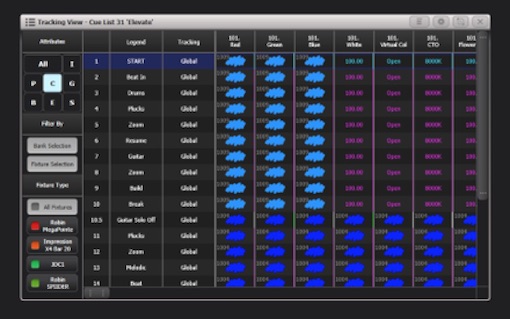
Una nueva ventana, denominada ‘Vista de seguimiento de la lista de cue’, ofrece una forma de ver y editar los valores y el seguimiento de los dispositivos/atributos individuales en una lista de cue. También se ha añadido un botón (‘Ver seguimiento’) al menú contextual de la vista de reproducción.
Paul Smith, diseñador y programador en iluminación creativa, que ha desempeñado un papel decisivo en el desarrollo de las nuevas funciones Freeform Layout y Cue List Tracking View, explica que “es el espectáculo más rápido que recuerdo programar, que pasa del concepto a la creación y a la noche de estreno, y eso se debe en gran parte al trabajo realizado por el equipo de software y asistencia de Avolites”.
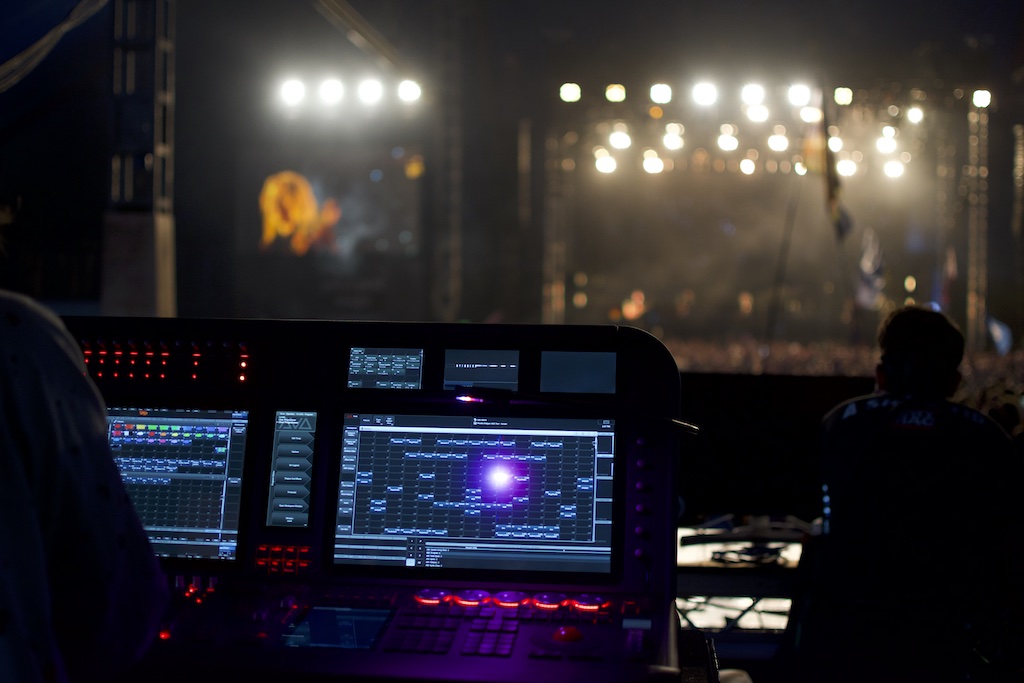 Las vistas de diseño (Freeform) y las de seguimiento mediante consolas Avolites han dado lugar a una solución mucho más viable. “He seguido utilizando Titan v16 en mis giras de conciertos durante los últimos meses -añade Smith- y ha sido de gran ayuda en la elaboración de cuatro nuevas producciones y me ha ayudado a dar rienda suelta a una programación bastante creativa”.
Teniendo en cuenta los comentarios de los clientes, Avolites ha incluido en esta versión nuevas correcciones de errores y mejoras en el rendimiento operativo del software. For example, antes el desvanecimiento de las formas no era lineal, y con la versión 16 las formas se difuminan linealmente.
La velocidad de varias funciones del software, como la actualización, la selección y el borrado, ha mejorado considerablemente, lo que es especialmente beneficioso cuando se maneja un gran número de dispositivos. A ello se suman los botones de perfil de teclas, que ahora cambian dinámicamente de tamaño para garantizar que el nombre y las acciones sean totalmente visibles.
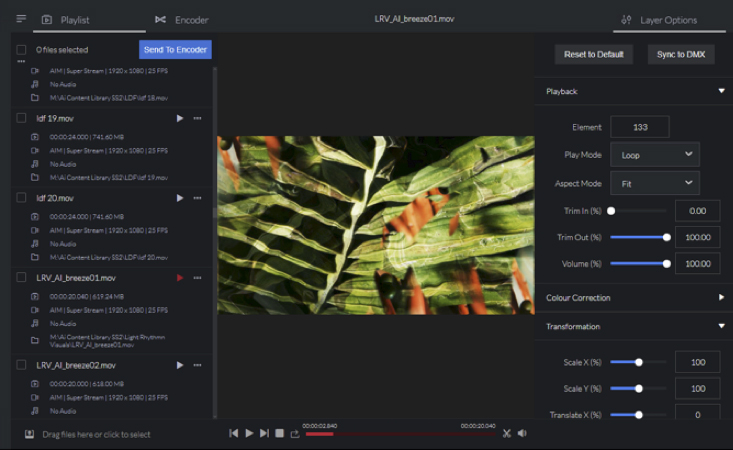 El conjunto de funciones de Synergy restablece ahora los flujos NDI cuando la ventana Multiview se mueve entre pantallas de consola, lo que sólo tarda unos segundos. Además de un nuevo archivo que muestra todas las nuevas funciones de las últimas versiones.
As pointed out Paul Wong, CEO of Avolites, “nuestro objetivo es ofrecer a los usuarios herramientas intuitivas y fáciles de usar para simplificar la programación. Titan 16 sigue cumpliendo esta promesa, con la incorporación de un nuevo conjunto de funciones prácticas que ahorran tiempo, tomadas de los comentarios de los usuarios”.
Did you like this article?
Subscribe to our NEWSLETTER and you won't miss anything.
Related articles
 Dante AV Optimizes GDQ's AV Workflow
 WHEREAS 2025: d&b audio optimizes workflow with ArrayCalc V12
 SNS will show at ISE how to optimize video workflow with EVO
 Avolites adds features and improves performance of Titan Remote
 Philips 27B2U6903: 4K monitor to optimize workflow
 Fuse Technical Selects Matrox Video to Control Sphere Workflow
 Avolites incorporates a Titan 15.1 features for AV installations
 MA Lighting improves workflow in version 1.5 deMA3
 Avolites presents the new version of its Titan lighting software 15
 Christie Pandoras Box V8 offers greater flexibility and workflow
 Genelec GLM 4 optimizes workflow and increases the quality of mixes
 Sony improves surgical workflow with the LMD-X3200MD monitor
 Bose Array Tool streamlines sound system design with an intuitive workflow
 LMD-3251MT, Sony's high-performance 32” full HD 3D monitor to strengthen medical workflow