


Dassault Systèmes adds user-demanded features to SolidWorks 2016
This new version of the portfolio of 3D design applications incorporates functions demanded by its 2,7 millions of users, as the ability to flatten any surface, visualize and help validate design performance, etc; as well as simpler access commands and a new user interface.
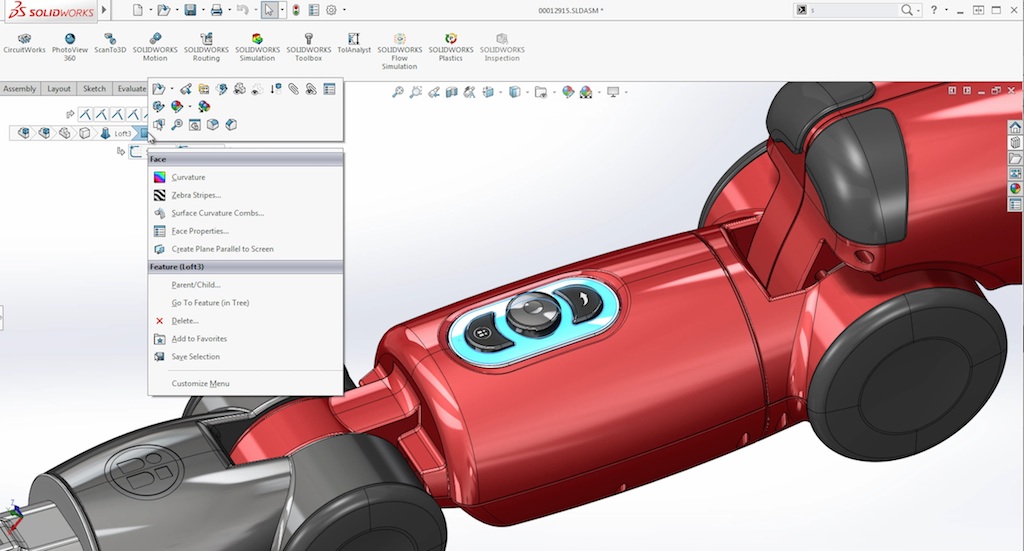
Based on the 3Dexperience platform Dassault Systèmes, SolidWorks 2016 is the latest version of this 3D design environment that covers all product development, from initial concept to final operation, that at the request of his 2,7 millions of users offers the new functions they demanded.
Among the new features, the ability to flatten any surface stands out; visualize and help validate design performance; communicate more efficiently with manufacturing; Quickly create high-quality images for use in marketing, as well as simpler access commands.
Added to this is an improved user interface so designers and engineers can focus on their designs., solve complex problems, Streamline parallel design processes and accelerate designs to manufacturing.
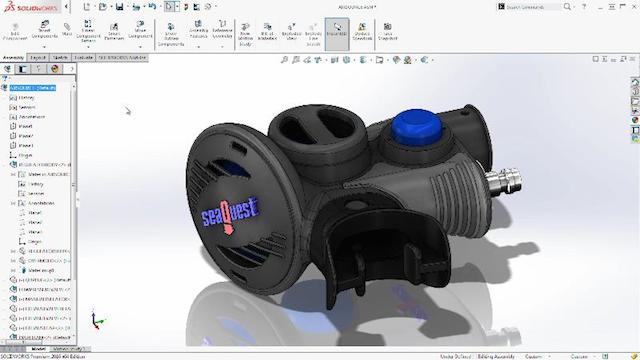 This is how one of its users explains it, David Herlin, senior CAD data manager at Gaztransport & Technigaz: “our design teams work with complex models, so we appreciate many of the new features and improvements of SolidWorks 2016 but, above all, the ease of selecting with the selection 'breadcrumbs' and the 'purge' function, since they will help our designers to be more efficient”.
According to Gian Paul Bassi, CEO of SolidWorks Dassault Systèmes, “more than 90% of the improvements in this version come directly from the opinions of our community, including your request to work faster and easier. Now that cutting-edge products are launched on the market, SolidWorks advanced capabilities help millions of design professionals, educators, students and manufacturers to innovate efficiently in the design of their products, in simulation, in technical communication and data management.”
With the motto 'Focus on design, not in the software', SolidWorks 2016 allows you to optimize the design process, reduce the time and effort required to obtain the desired geometry, Increase modeling flexibility and easy access to commands using the following features:
- Continuous curvature edge rounding: to create smooth blends much faster than ever for all types of rounding, including asymmetrical ones and those of variable sizes.
- Sweep Command: to create complex shapes by sweeping faster and with better results, more reliable and predictable, and also to automatically generate circular profiles in sections in the sweeps, with bidirectional sweeps in one direction or both.
- Thread Wizard: to model standard and custom threads thanks to a quick and intuitive command.
- ‘Breadcrumbs’: to easily and quickly access any model without having to go through the operations and reduce mouse movement with the 'breadcrumb' on the cursor.
Did you like this article?
Subscribe to our NEWSLETTER and you won't miss anything.
Related articles
 Dassault Systems expands 3DExperience platform with Diota
 Dassault Systèmes bets on the Spanish market with a new office in Barcelona
 The LCT ONE project is the latest 3DExperiencity initiative from Dassault Systèmes
Dassault Systèmes will bring the 3DExperience universe to CES 2016
Dassault Systèmes helps design aircraft cabins with Passenger Experience
The LCT ONE project is the latest 3DExperiencity initiative from Dassault Systèmes
Dassault Systèmes will bring the 3DExperience universe to CES 2016
Dassault Systèmes helps design aircraft cabins with Passenger Experience
 Dassault Systèmes strengthens its presence in the 'era of experiences' with Modelon
 Dassault Systèmes presents Solidworks 2015 with access to the 3Dexperience platform
Con Biovia, Dassault Systèmes brings modeling and simulation to scientific innovation
BMW uses Dassault Systèmes solutions to design its i3 eco-friendly car
Dassault Systèmes buys 3D software development company Realtime Technology
Dassault Systèmes presents Solidworks 2015 with access to the 3Dexperience platform
Con Biovia, Dassault Systèmes brings modeling and simulation to scientific innovation
BMW uses Dassault Systèmes solutions to design its i3 eco-friendly car
Dassault Systèmes buys 3D software development company Realtime Technology
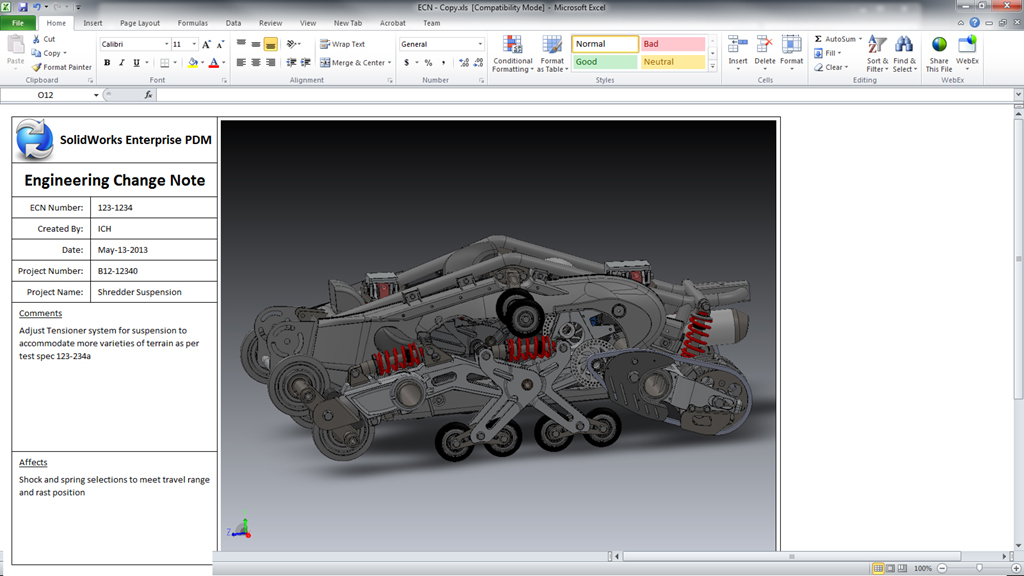 La gama Solidworks 2014 from Dassault Systèmes allows you to design in 3D without limitations
Dassault Systèmes' 3D virtual world experience arrives in Madrid
La gama Solidworks 2014 from Dassault Systèmes allows you to design in 3D without limitations
Dassault Systèmes' 3D virtual world experience arrives in Madrid
 Dassault Systems integrates Archive technology into its 3Dexperience platform
 Dassault Systèmes recreates the history of Paris in an immersive 3D experience